UPDATE WISYS SECURITY
If the WiSys application does not detect the wisysuser, the following pop up screen will appear.
Figure 1: Update WiSys security error message
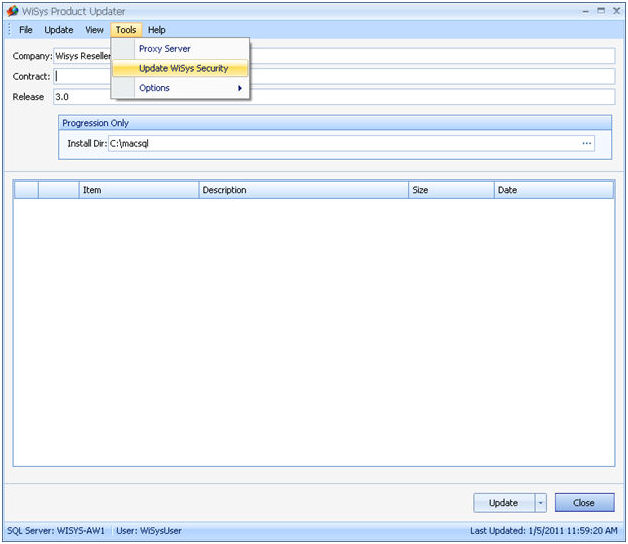
Open the WiSys Product Updater. Select Tools from the top tool bar, and Update WiSys Security
Figure 2: Update WiSys Security
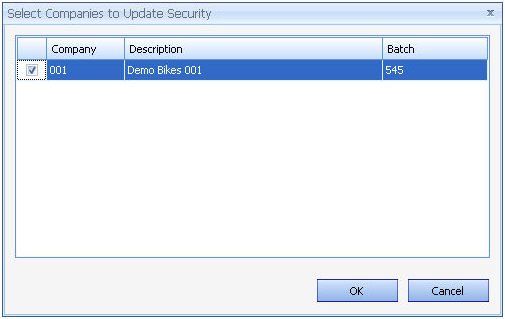
Select the companies to want to update and click OK.
Figure 3: Selecting company
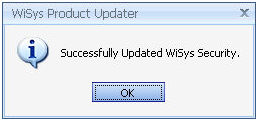
A message will appear to confirm the update.
Figure 4: Successful Update message