

763-231-6754
937-367-6939
817-359-6914
Gerry Skalla
Tim Gribler
Dan Curtin
SAP B1 SQL system requirements
WiSys supports
· SAP Business One versions
o DI-API 32-Bit
o Single Tenant Business One version for Microsoft SQL Server version 9.2 and higher. Support for SAP B1 v10 FP2402 and newer began with WiSys Build Release 570.0.
o Multi Tenant is supported in SAP Business One Versions for SAP HANA Only
o 32-Bit Crystal Reports for .NET Framework
· SAP Business One Cloud hosted environments (if applicable)
· See
also: Agility
360 Web Server System Requirements for SAP B1 and Macola
SQL Server
|
A
single SQL server will be licensed initially. If more than one
SQL server will be in use contact Operating System: Windows Server 2016, Server 2019, Server 2022 Processor: 2.0 GHz (or better) Drives: WiSys strongly suggests Solid State drives whenever possible for performance reasons. Free Disk Space: Minimum of 1GB for System / Application Software Memory: 64 GB RAM Monitor: VGA or SVGA with 1024 x 768 minimum resolution Installation: Web Download SQL Server Version: SQL 2014, SQL 2016, SQL 2017, SQL 2019, SQL 2022 (Enterprise Edition is highly recommended for large transactional environments) Printer: PCL/PS compatible Pointing Device: Microsoft-compatible mouse |
Client Workstation
|
Operating System: Windows 10, Windows 11 Processor: 2.0 GHz (or better) Memory: 8 GB of RAM for 64-bit Windows Monitor: VGA or SVGA with 1024 x 768 minimum resolution Installation: Install from Server Other: .Net Framework 4.0 Printer: PCL/PS compatible Pointing Device: Microsoft-compatible mouse Free Disk Space: Minimum of 500 MB for System / Application Software 32-Bit SAP Business One DI-API SAP Business One Client (For SAP Version 10 Only) |
Shipping Scales |
WiSys currently supports Fairbanks Ultegra, and Mettler Toledo BC60 scales |
Mobile handheld device support
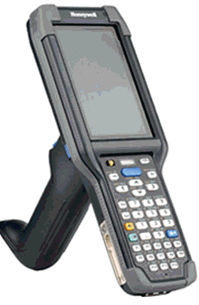
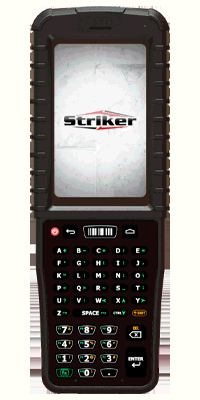
WiSys hardware partners
|
|
|
763-231-6754 |
937-367-6939 |
817-359-6914 |
Gerry Skalla |
Tim Gribler |
Dan Curtin |
Android devices
|
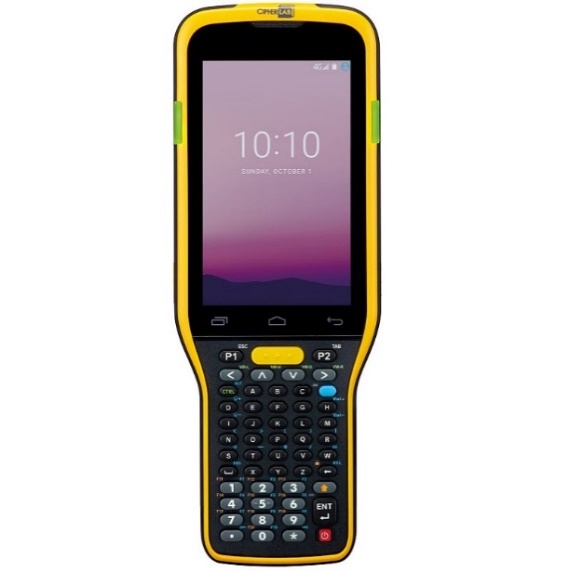
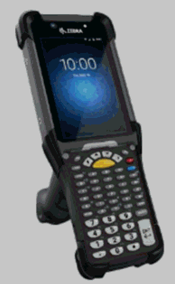
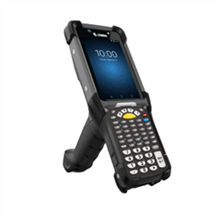
ZEBRA MC9400 Handheld with Pistol grip (Ultra rugged device with touch screen – and physical keypad. Extended range, 1D and 2D scanning from a few inches to 40 feet; 802.11 Wi-Fi radio - and potential for Cellular Capability). https://www.zebra.com/us/en/products/spec-sheets/mobile-computers/handheld/mc9400-mc9450.html Accessories Guide (with forklift cradle options – check out page 12) |
|
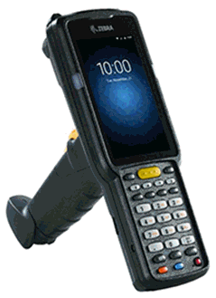
ZEBRA TC53 Handheld (Rugged PDA style device with touch screen only – NO physical keypad. Extended range 1D and 2D scanning from a few inches to 40 feet; 802.11 Wi-Fi radio- and- WLAN cellular radio capability). https://www.zebra.com/us/en/products/spec-sheets/mobile-computers/handheld/tc53-tc58.html Accessories Guide (with forklift cradle options – check out pages 16 & 31) |
|
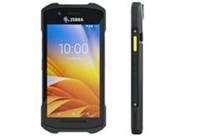
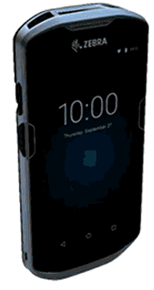
ZEBRA TC22 Handheld (Semi-Rugged PDA style device with touch screen only – NO physical keypad. Extended Range 1D and 2D scanning from a few inches to 4 feet; 802.11 Wi-Fi radio- and- WLAN cellular radio capability) https://www.zebra.com/us/en/products/spec-sheets/mobile-computers/handheld/tc22-tc27.html Accessories Guide (with forklift cradle options – check out page 25)
|
|
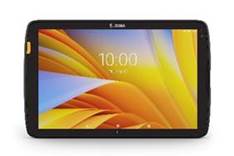
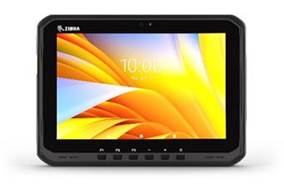
ZEBRA ET40 TABLET – 8” or 10” screen (Semi-Rugged Tablet with touch screen – NO physical keypad. Limited range, 1D and 2D scanning from a few inches to 4 feet; 802.11 Wi-Fi radio- and- WLAN cellular radio capability) https://www.zebra.com/us/en/products/spec-sheets/tablets/et40-et45.html Accessories Guide (with forklift cradle options – check out page 41) |
|
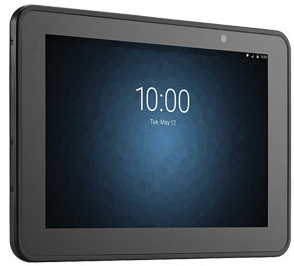
ZEBRA ET50 TABLET – 8.4” or 10.1” screen (Rugged Tablet with touch screen – NO physical keypad. Extended Range 1D and 2D scanning from a few inches to 4 feet; 802.11 Wi-Fi radio- and- WLAN cellular radio capability. https://www.zebra.com/us/en/products/spec-sheets/tablets/et50-et55.html Accessories Guide (with forklift cradle options – check out page 11)
|
|
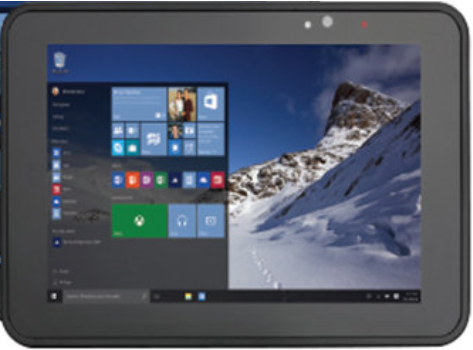
ZEBRA ET51 TABLET – 8.4” or 10.1” screen (Rugged Tablet with touch screen – NO physical keypad. Extended Range 1D and 2D scanning from a few inches to 4 feet; 802.11 Wi-Fi radio- and- WLAN cellular radio capability. https://www.zebra.com/us/en/products/spec-sheets/tablets/et51-et56-w.html Accessories Guide (with forklift cradle options – check out page 26) |
|
ZEBRA ET60 TABLET –10” screen (Rugged Tablet with touch screen – NO physical keypad; Limited range, 1D and 2D scanning from a few inches to 4 feet; 802.11 Wi-Fi radio- and- WLAN cellular radio capability) Typically mounted on fork lift. https://www.barcodesinc.com/media/pdf/Zebra/et60-et65.pdf Accessories Guide (with forklift cradle options – page 3) https://www.zebra.com/content/dam/zebra_dam/en/guide/configuration-and-accessories/et60-et65-guide-accessory-en-us.pdf |
Handheld / wearable devices
|
|
|
|
|
|
|
|
|
|
||
Remote desktop services / terminal server (for mobile handheld devices)
Operating System: Windows Server 2016, Server 2019, Server 2022
Note: WiSys STRONGLY recommends a stand alone server be utilized for running Terminal Services or Remote Desktop Services. We do NOT support running Terminal Services or Remote Desktop Services on a Domain Controller, Backup Domain Controller or License Server. Windows Small Business Server will NOT work with Remote Desktop Services. We also do NOT support running either of these on a SQL Server for performance reasons.
Processor: 2.0 GHz (or better)
Memory: 32 GB of RAM. In addition to the Server OS memory, a minimum of 512MB RAM per Device and 2 GB of RAM per Desktop User that will be connecting to the server.
Drives: WiSys strongly suggests Solid State drives whenever possible for performance reasons.
Free Disk Space: Minimum of 1GB for System / Application Software
Installation: Install From Server
Other: .Net Framework 4.8
Printer: PCL/PS compatible
Pointing Device: Microsoft-compatible mouse
License: 1 Microsoft Remote Desktop USER Client Access License PER Device
32-Bit SAP Business One DI-API
Application server - terminal server or Citrix (desktop applications)
Operating System: Windows Server 2016, Server 2019, Server 2022
Processor: 2.0 GHz (or better)
Drives: WiSys strongly suggests Solid State drives whenever possible for performance reasons.
Free Disk Space: Minimum of 1GB for System / Application Software
Memory: 32 GB of RAM. In addition to the Server OS Memory a minimum of 512 MB RAM Per Device and 2 GB of RAM Per Desktop User that will be connecting to the server.
Monitor: VGA or SVGA with 1024 x 768 minimum resolution
Installation: Web Download
Other: .Net Framework 4.8
Printer: PCL/PS compatible
Pointing Device: Microsoft-compatible mouse
Free Disk Space: Minimum of 1GB for System / Application Software
License: 1 Microsoft Remote Desktop License Per DEVICE
32-Bit SAP Business One DI-API
Printing
WiSys supports Microsoft’s best printing practices and thus recommends and supports printing to TCIP/IP based printers defined on the local area network. We do NOT recommend or support printing to shared or redirected printers connected to other devices on the network either locally or through Remote Desktop/Terminal Services.
WiSys recommends Zebra printers for label printing. We have found their popularity and availability of printer drivers aid in the configuration process. We have also tested and have customers using TSC printers. Here are the models of Zebra and TSC printers we support:
NOTE: If you are using the WiSys Label Designer (build release 567.2 or later), all printers must support ZPL printer language.
Zebra Printers
· Desktop
- ZD620 took the place of the GX series
www.zebra.com/us/en/products/spec-sheets/printers/desktop/zd620.html
· Mid-range
- ZT230 Series – took the place of the S4M
www.zebra.com/us/en/products/spec-sheets/printers/industrial/zt200-series.html
· High
End - ZT410 Series – took the place of the ZM400 series
www.zebra.com/content/dam/zebra_dam/en/tech-specs/zt410-technical-specifications-external-en-us-gb-a4.pdf
TSC Printers
· Desktop – TC Series
· Entry level Full Size – ME240
· ML-240
· Mid-range – 2410MT
· High-end (very fast) – MX240
· MH240
If you are using the WiSys small package shipping solution; the ShipRush application only supports this list of Zebra printers:
· Zebra ZP450
· Zebra ZP500
· Zebra ZP550
· Zebra GK420
· Zebra GX420
· Zebra ZP505
· Zebra Z4M
· Zebra ZT400
· ZT230 (203 dpi models)
· Zebra ZT410
· Zebra 105SL (in 203 dpi mode)
Similar 203 dpi ZPL based printers are expected to work properly, however only the models above are officially supported.
Any brand/model of printer that is not in either list above may incur additional consulting dollars during implementation.
Test environment(s)
IMPORTANT NOTES:
· WiSys STRONGLY recommends a complete test environment.
· A test database on a production server does not constitute a test environment. It is impossible to update WiSys versions on that database only without compromising the production environment.
This can be accomplished in one of two configurations:
Configuration #1 – Standalone
A PC with a 64 bit Operating System and at least 8 GB of RAM. The PC will need the following software:
· SQL Server (preferably the same version you are running on your production server)
· SAP Client
· WiSys Client
· Connection to network printers so printing functions can be tested
Configuration #2 – Duplicate Production Environment
· Test SQL Server
· Test Remote Desktop Server (only necessary if connecting mobile devices and can be implemented on test SQL Server as long as it is not a backup domain controller)
· Client PC pointing to test servers
· Connection to network printers so printing functions can be tested
![TC5301-0T1K6B1000-NA - Zebra TC53 Mobile Computer [Advanced Range, 8GB RAM/128GB]](System_requirements_SAP_SQL_files/image009.jpg)